
v1.6 Ready • No PC Needed
STARDEW VALLEY
SAVE EDITOR
Skip the grind. Keep the fun.
Edit inventory, time, and relationships
directly on your Mobile Phone.

Complete Feature Set!
1
Safe Editing with Auto-Backup
2
Time & Weather Control
3
Unlimited Resources
4
Mastery System (v1.6)
5
All 7 Stardrops
6
2,400+ Items
7
Relationship Manager
8
Complete All Bundles
INVENTORY
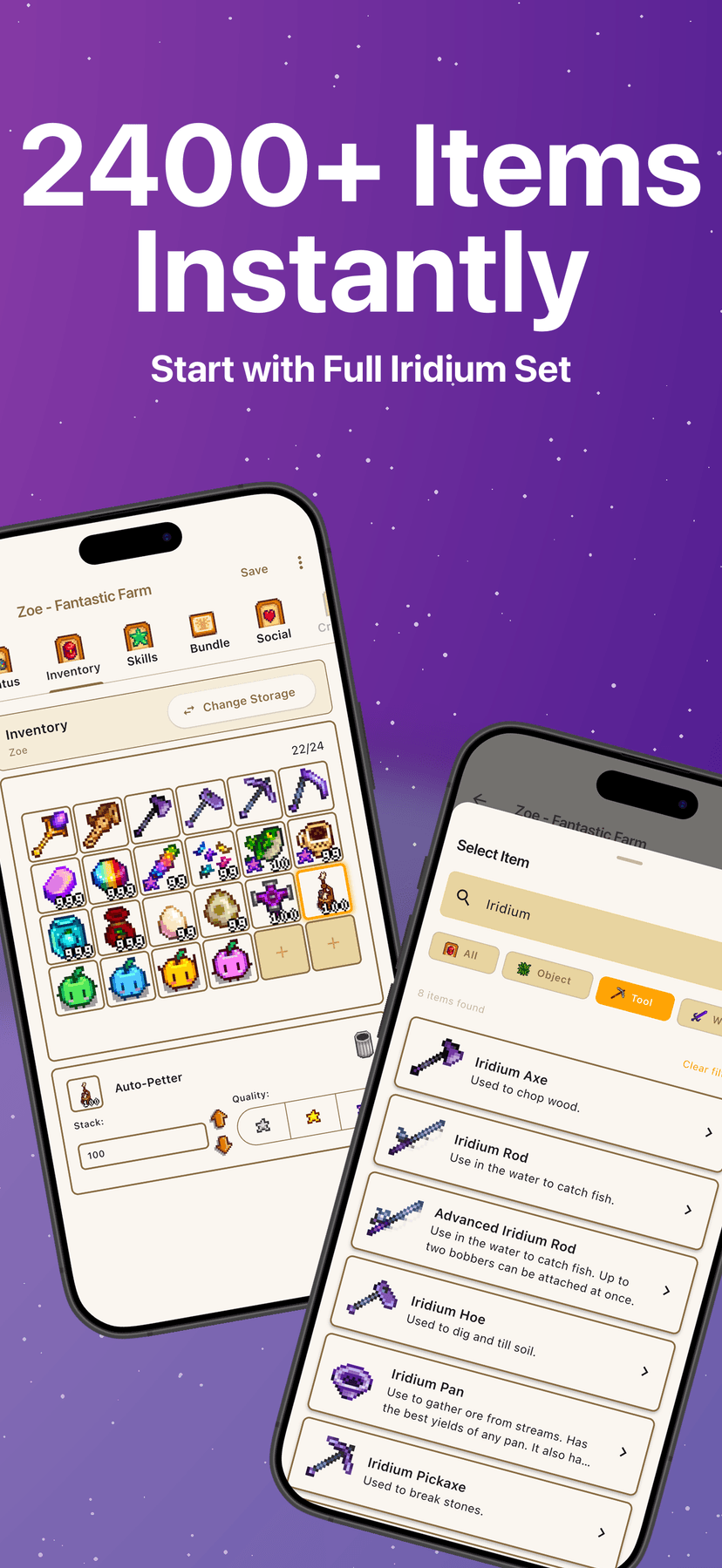
2,400+ Items.
Zero Grind.
- Get Prismatic Shards & Auto-Petters instantly.
- Edit Item Quality & Stack.
- Manage Chests/Fridges across the map.
BUNDLES
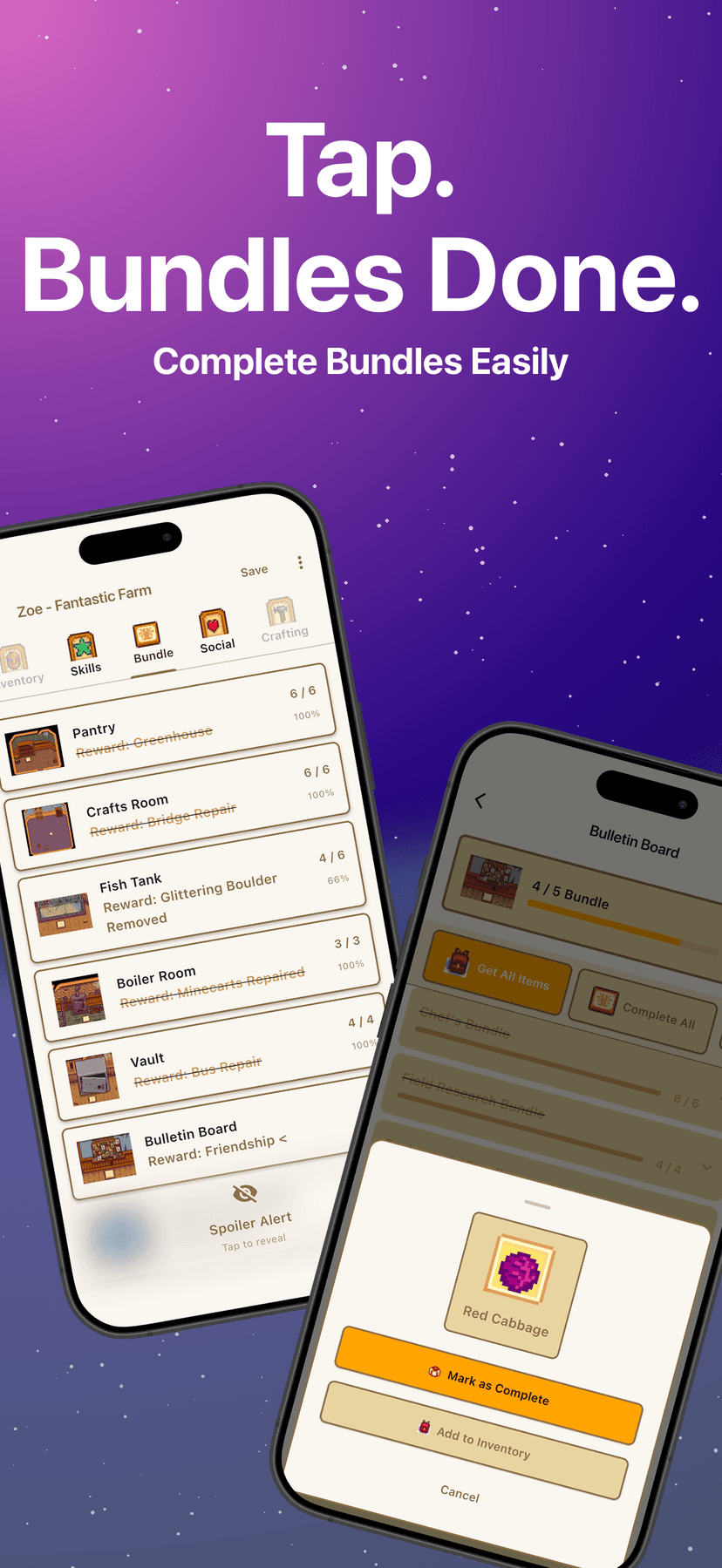
One Tap Completion.
Waiting for the Traveling Cart to sell Red Cabbage? Just tap once to finish any bundle.
Supports:
Community CenterJoja MartHidden Bundle
PERFECTION
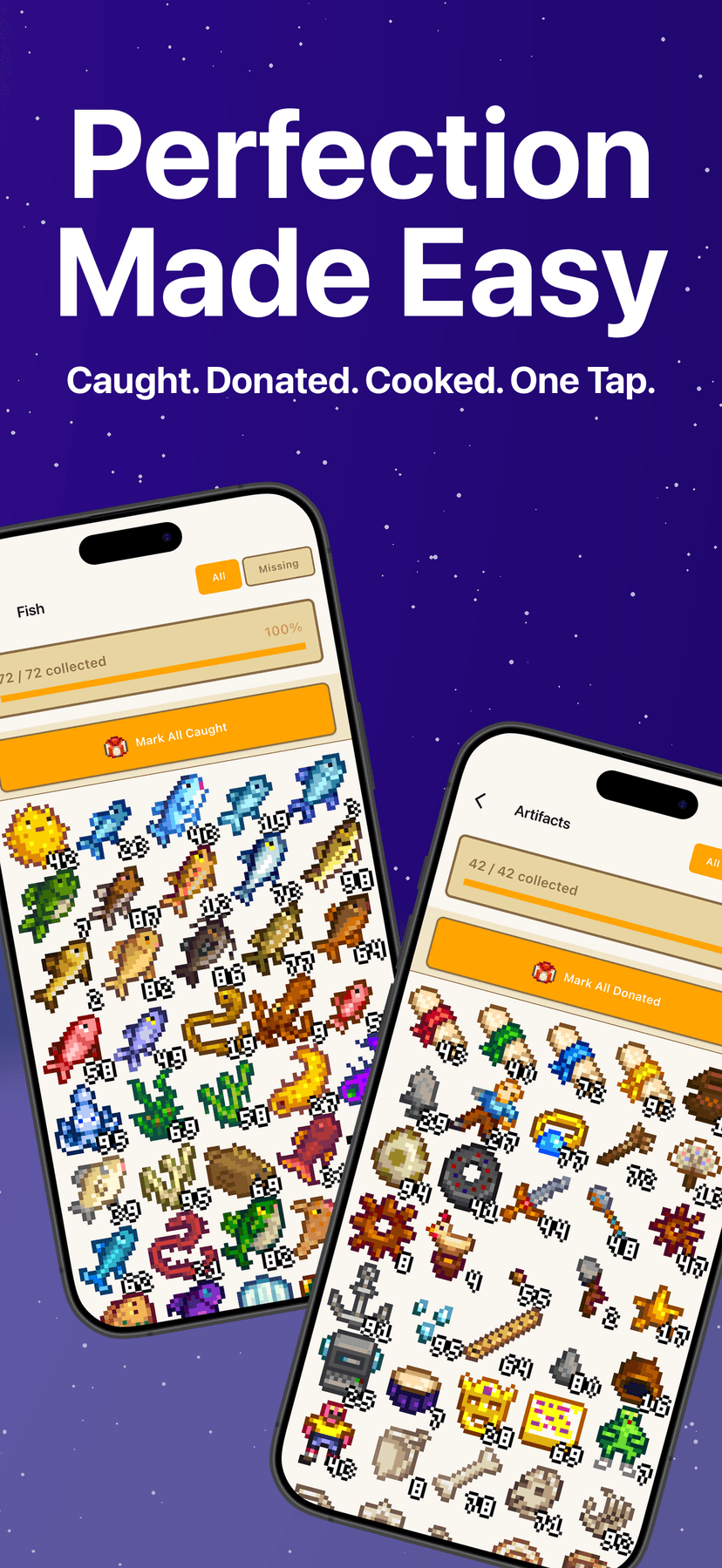
Reach 100% Faster.
Track missing artifacts, fish, and recipes. Complete them instantly to unlock the Summit.
- Complete Museum Collection
- Unlock All Recipes
- Find Every Golden Walnut
Web Exclusive
Free Interactive Tools
Plan your farm strategy here. Then make it happen instantly with the App.
Crop Calculator
Calculate profits & harvest dates.
With Editor: Infinity money and energy
Fish Guide
Check locations & seasons.
With Editor: Complete fish bundle or collection without fishing.
Gift Guide
Find loved gifts for everyone.
With Editor: Max hearts and start dating instantly.
FAQ
Common questions about safety & compatibility.
Is this safe for my save files?
Yes, absolutely safe. The app creates automatic backups before any edit. You can rollback changes with a single tap. We've tested every feature extensively to ensure save file integrity and game compatibility.
Does it support Stardew Valley v1.6?
Yes! Fully compatible with v1.6, including Mastery system, Power Books, Green Rain weather, Golden Animal Crackers, and all new items and mechanics.
Do I need a PC or internet connection?
No! Edit saves 100% offline directly on your phone. No PC, USB cables, or WiFi required after initial app installation.
How is this different from web-based editors?
Web editors require uploading your save file to a website and internet connection. Our mobile app works completely offline, keeps your saves on your device, and allows editing without any internet access.
Can I use this while playing the game?
Yes, you can edit your current, in-progress save. Simply switch to our app mid-game, make your edits, then restart Stardew Valley and choose 'resume' to instantly continue with your changes.
Is it possible to restart a day but keep all the items I found?
Yes! That's power of our save editor. Think of it as extending your day. For example, if you played until evening but forgot to harvest, you can use our app to turn the clock back to morning.
Which platforms are supported?
Available for both iOS (iPhone/iPad) and Android. Works with save files from any platform (PC, Switch, etc.) if you transfer them to your phone.
Can I edit saves from other platforms?
Yes! Works with save files from PC (Steam/GOG), Mac, Switch, PlayStation, and Xbox. Just transfer your save to your mobile device, edit it, and transfer back.